See the work coming up
Use appointment views to review scheduled visits and upcoming work. Keep the customer, vehicle and location attached to the appointment, rather than relying on a calendar title to hold all the details. The overview also surfaces upcoming visits when you start your day.
Connect the customer request to your schedule
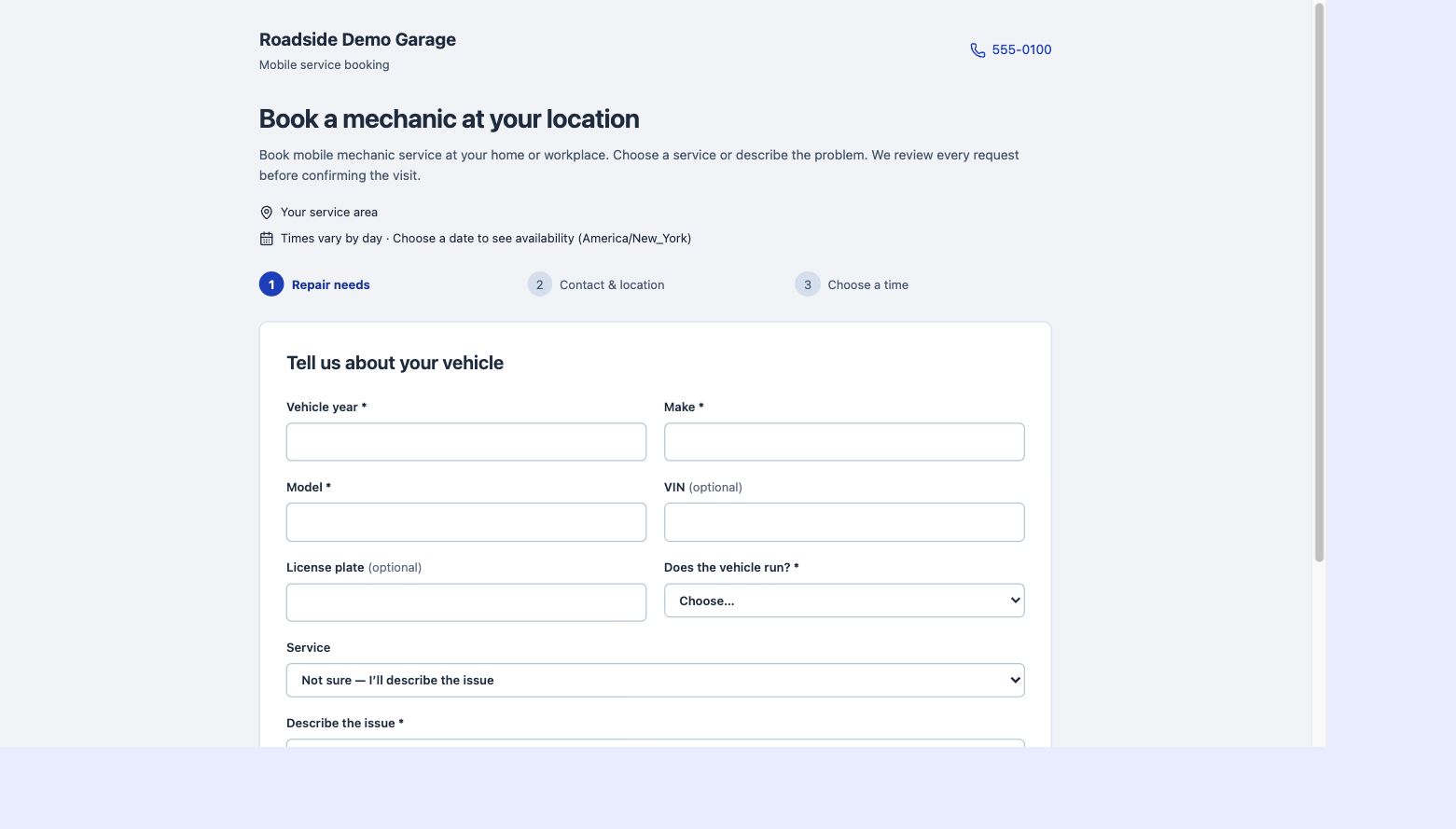
Booking requests come into your existing appointment system for review. Confirm the repair needs and timing before approving the visit. Customers can choose from availability you set, including different hours by weekday and date-specific changes.
Plan an arrival that makes sense
Mobile work includes travel and on-site constraints. Keep service locations and arrival information visible when planning visits. Review the likely work duration from the service details and leave room for the practical realities of driving, diagnosis and parts availability.
Carry the appointment into the job
Scheduling and repair records are part of the same workspace. Find the relevant customer and vehicle, open the associated work and progress through the visit. Customers can see appointments shared with them through their portal.