Present the work clearly
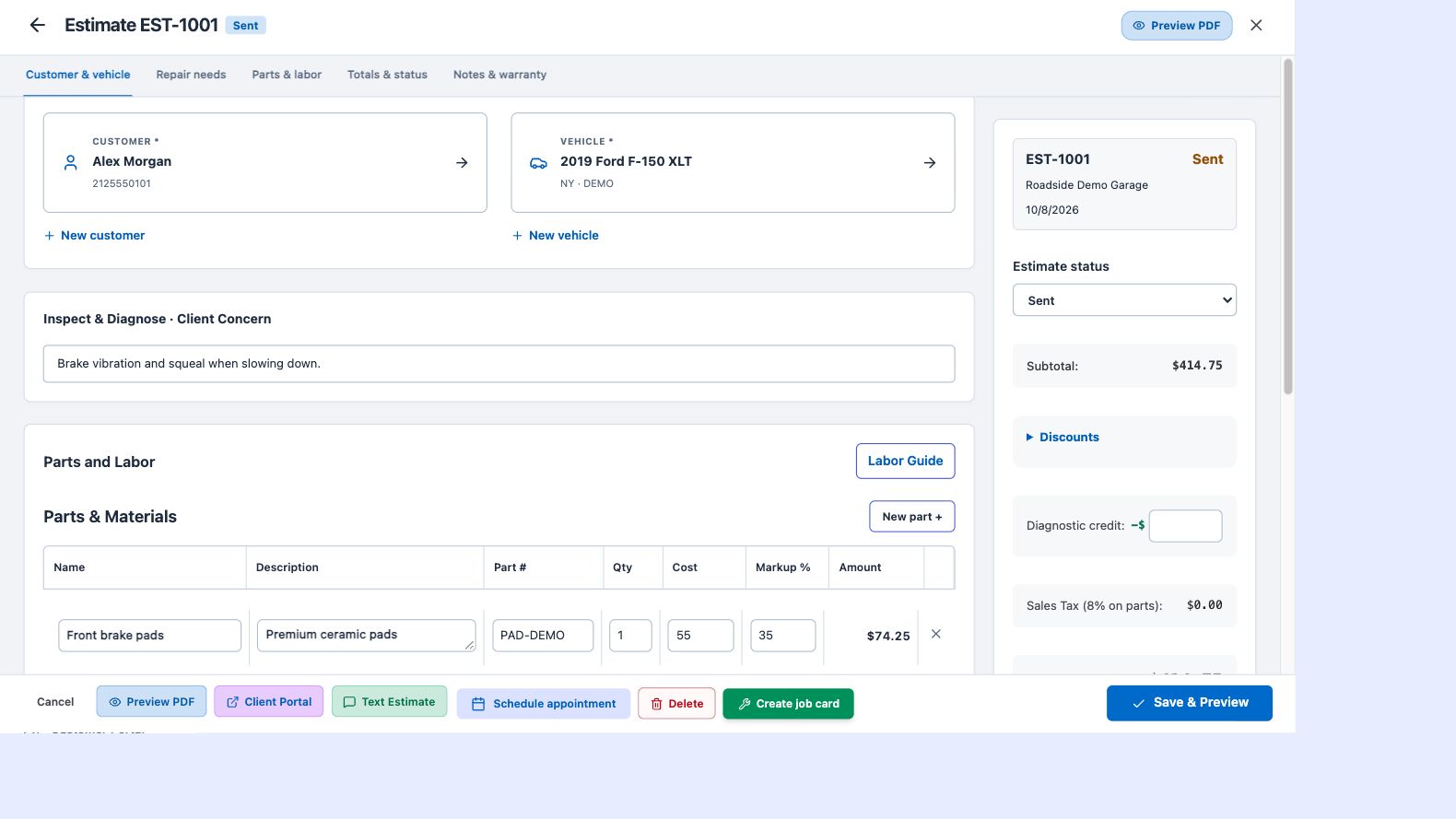
Use parts and labor titles with descriptions to explain the repair. Branded documents keep your business details alongside the customer, vehicle and amounts. Carry the job’s information into the invoice so the finished repair has a consistent paper trail.
Accept a payment in stages
Record a deposit, a partial payment or the final amount. The invoice keeps track of payments and the remaining balance, rather than treating every payment as an all-or-nothing event. This helps when the customer pays for parts first and pays the rest when the work is finished.
Connect your own Square account
Each business connects its own Square account for repair payments. Supported workflows include customer payment links and a handoff to the Square POS app. Square processes the payment; ATP Shop checks the result before posting a confirmed payment to the invoice. Square processing fees are separate from the software subscription.
Keep collections in view
The overview highlights invoices to collect, while the invoice list lets you review documents and balances. A completed, paid job can move out of active work. Share the finished-job and review link after payment as part of a professional closeout.