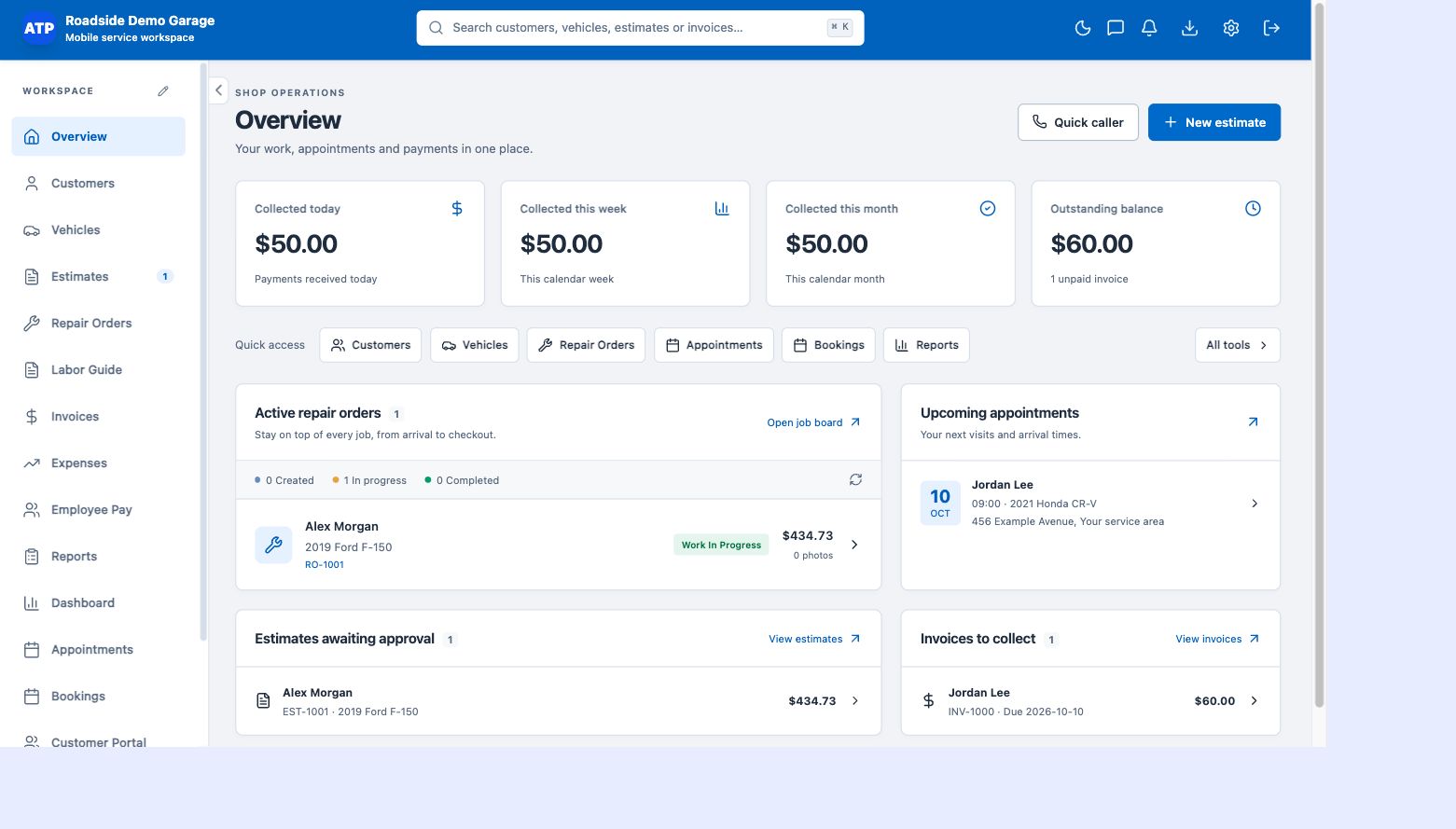
Start with the day-to-day picture
The overview shows collected payments and outstanding balances alongside active work and upcoming appointments. Use it to understand what needs attention now, then open reports for a more detailed view of a period.
Review income and operating costs
Use report categories for profit and loss, income and expenses, sales and purchases, receivables and payables, parts and services, inventory and profits, employee pay and tax summaries. Date filters keep a reporting period focused. Results depend on the records and payment information entered in your workspace.
Keep useful business lists available
Customer, vehicle and vendor reports organize the records behind the work. Export options make it easier to review information outside the application or provide selected records to your bookkeeper. Check totals against your bank and processor statements before relying on a period’s figures.
Understand trends without losing the detail
Dashboard views help compare estimates, invoices, invoiced amounts and other activity over time. The reports are business-management tools, not a replacement for an accountant, tax filing software or a full general-ledger accounting system.