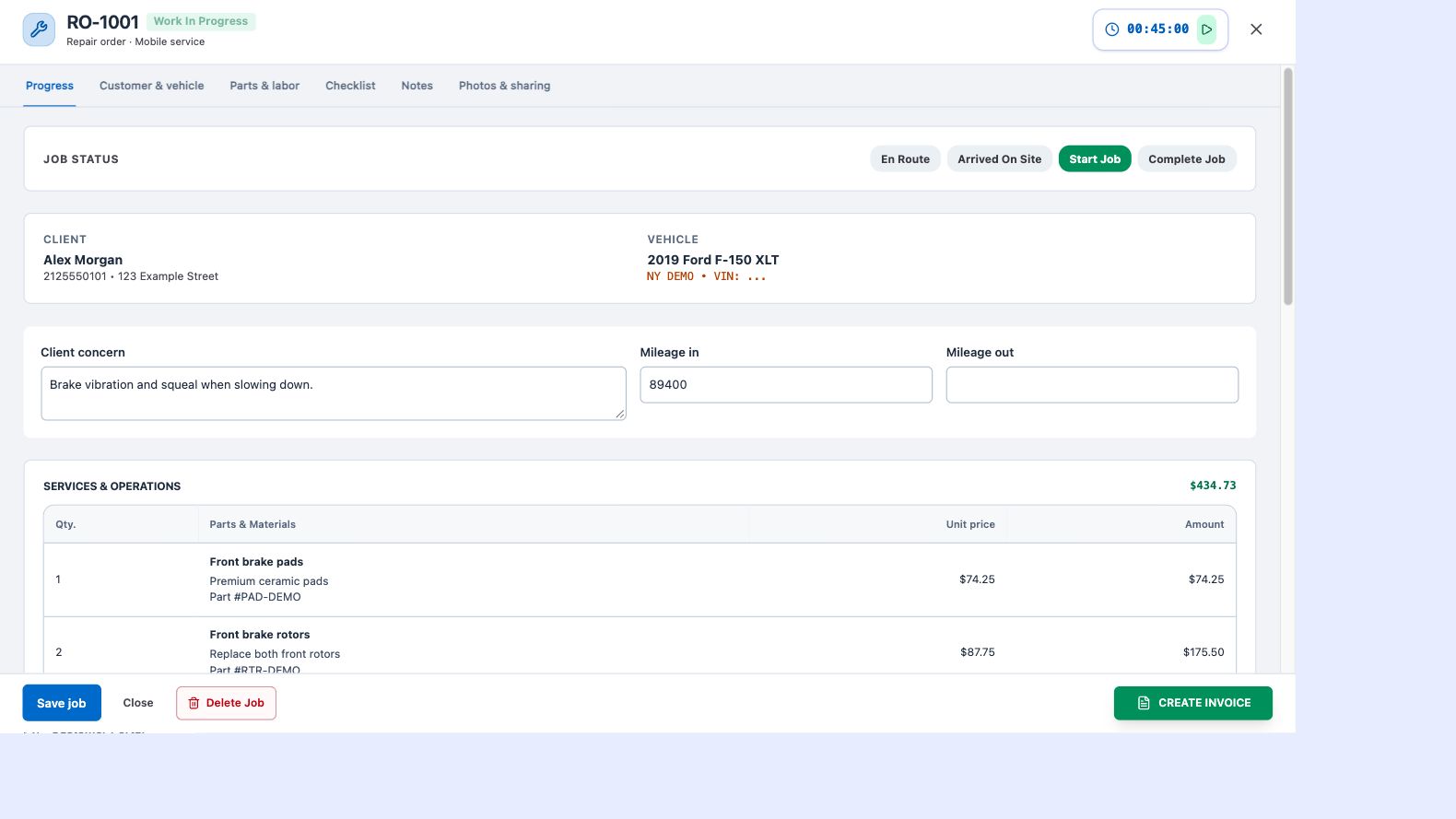
Document while the job is open
Upload images from the repair-order workspace while you are working. Capture the condition you found, the repair process and the completed result. Keeping photos attached to the job helps avoid mixing images from different customers or vehicles.
Put your name on the finished work
Uploaded job photos can carry your configured business logo in the lower-right corner. The branding travels with the image when you share the work. Set up a suitable logo in your business settings and check that it remains readable on light and dark photos.
Give the customer a clear finished-work page
Use the private job link to share photos and the customer-facing repair summary. Explain the work in plain language rather than relying on images alone. A finished-work page helps customers understand what was repaired and keep a record for later.
Make reviews part of closeout
Configure your review link and share it alongside the completed work. The job and payment closeout workflow provides a place to prepare that link for the customer. A request for an honest review follows the repair; it does not guarantee a review or a particular rating.