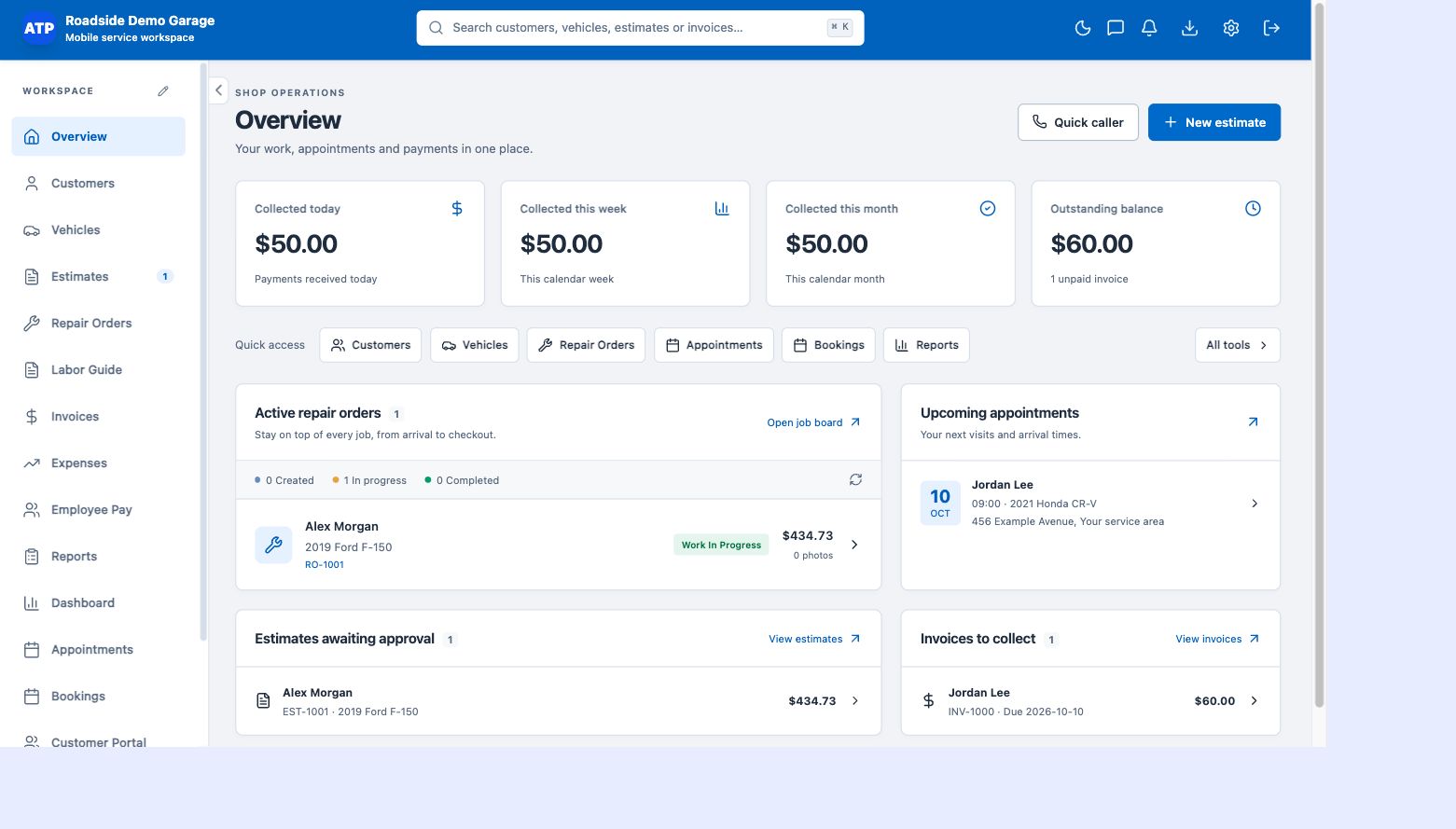
Find records without a giant dropdown
Use searchable customer and vehicle selection when you create an estimate. Find the person or car first, then attach the correct records to the work. This workflow scales more naturally than scrolling through hundreds of names in a single selector.
Keep each vehicle linked to its owner
Store vehicle details such as year, make, model and VIN alongside the customer relationship. One customer may have multiple vehicles, and each repair should point to the vehicle you actually worked on. That connection makes later service history more useful.
Add new customers as part of the work
Create a customer or vehicle when the information is needed, rather than abandoning the estimate to rebuild it later. Quick-caller and new-record workflows support the first conversation, while saved records make the next visit quicker to prepare.
Give records a life beyond the first repair
Estimates, invoices, job cards and appointments use the linked records. The customer portal gives customers access to the service information shared with them. Keep contact details current so the next document and visit reach the right person.